Floating Double Layer digiprint

Coming Soon

Colour

Ordering Guidelines

Floating-Double-Layer-Fabric-Patches-bwFloating Double Layer Fabric Patches

Material Type:

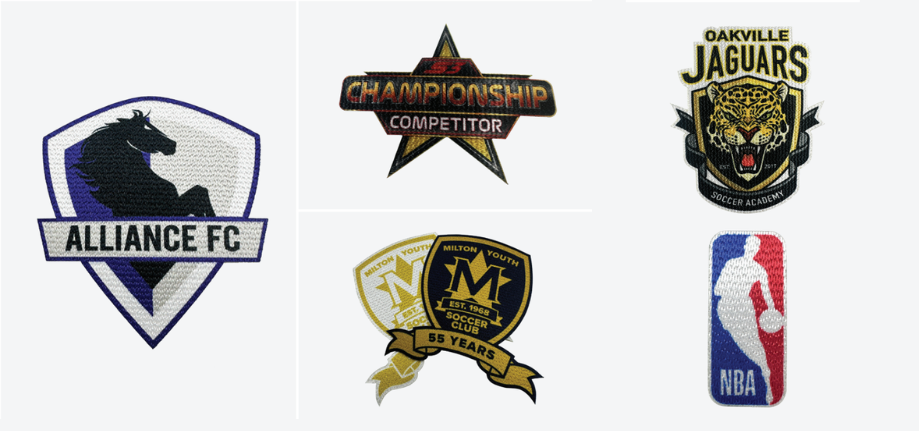
GALLERY

Emblem Dimensions:

  • Minimum emblem size: 5” x 5”
  • Maximum Size: 11” ×11”

Limitations:

  • Artwork Stroke: Must follow minimum stroke
    requirements
  • Heat Press Compatibility: Not recommended for
    highly heat-sensitive garments
  • Design Detail: Extremely fine lines or small text
    may lose clarity <0.1” stroke
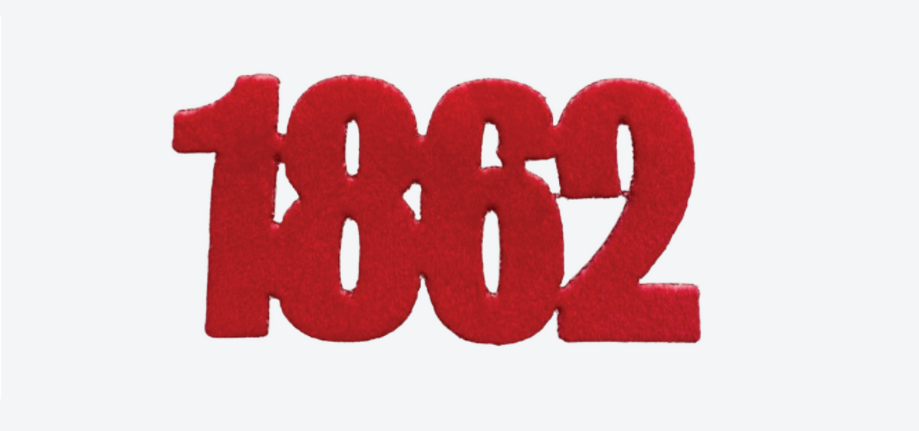
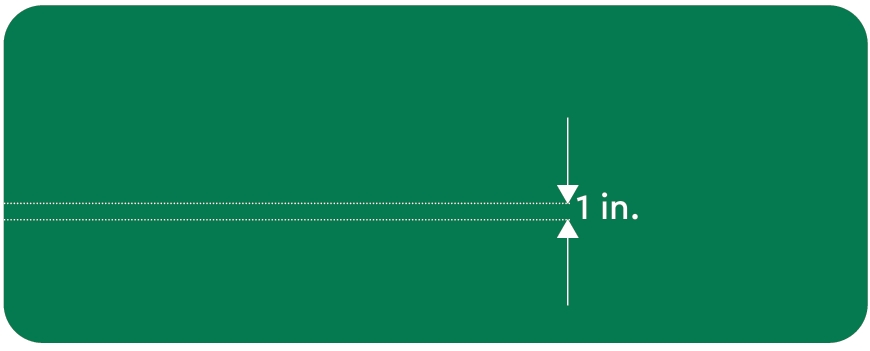
  • Letter Height: Minimum 1” height (refer to image above)
  • Extremly Fine Lines: Minimum stoke of 0.2” on
    Soft Felt and Flock. Minimum stroke of 0.1” on
    all other fabrics.

Accepted Artwork :

  • Vector Formats: AI, EPS, PDF
  • Colour Mode: CMYK
  • Colour Matching: Provide PMS code for colour
    matching (optional)
  • Outline Text: Outline all text by selecting
    the “ ” icon while all text is highlighted. This
    ensures that the correct font type is used.

Keep text ≥0.5mm stroke for JA , FA , SA ,
ST fabrics ≥0.6mm for Soft Felt & Flock.
Use well defined lines and high contrast colours.

Border / Edge Styles:

Laser cut.
2. Satin Border (only available with application or we can provide the .dst file)

Satin Border Colour Options

At Savage Emblems we use 100% polyester threads for both our merrow and satin borders. For satin borders you can choose any colour from the ISACORD chart.

BackingTypes:

Heatseal

Ordering Guidelines:

File Formats:

  • Vector: .ai, .eps, .svg (preferred)
  • Raster: .psd, .tif, .jpg, .png (300 dpi minimum)

Color:

  • Mode: CMYK
  • Pantone: Provide specific numbers if required

Stroke Size:

  • Minimum: 0.25 points (0.09 mm)

Text:

  • Convert to outlines
  • Minimum size: 6 points

Bleed and Safe Area:

  • Bleed: 0.125 inches (3 mm)
  • Safe Area: 0.125 inches (3 mm) from edges

File Naming:

  • Use descriptive names (e.g., Company_Project_Date.ai)

Submission:

  • Email: [your email address]
  • Large files: Use WeTransfer, Dropbox, or Google Drive

Proof Approval:

  • Review and approve digital proof before production

Specify the type of emblem you require.

Submit your artwork according to the Artwork Requirements above.

Indicate the required completion date for your order.

Specify the dimensions of the product.

Provide the number of units needed.

List the Pantone Matching System (PMS) colors for accurate color reproduction.

Choose the border type for your emblem (e.g., merrowed, laser-cut, stitched, etc.).

Select the backing type for your emblem (e.g., iron-on, sew-on, Velcro, adhesive, etc.).

Specify the fabric or material type and attach a color swatch if necessary.

  • Indicate if the emblem application is required.
  • If yes, specify the type of application: heat pressed or sew-on application.

Provide details about the type of apparel the emblem will be applied to (e.g., t-shirts, hats, jackets, etc.).

Include any specific apparel specifications or requirements (e.g., fabric type, color, size, etc.).

Application Instructions:

Coming Soon

Washing Instructions:

Coming Soon

Backing Options:

Heat Seal – Can be used to easily apply patches onto apparel with a heat press.
Pressure Sensitive (Stick-On) – Used for easy application onto hard goods. (example: helmets, tumblers, etc.)

Features

Best Suited For

  • Logos & Branding: Clear, simple logos with defined edges.
  • Text & Typography: Bold, legible fonts work best Avoid extremely fine or cursive scripts smaller than 0.1″ stroke.
  • Illustrations & Icons: Clean, minimal illustrations or icons with solid fills translate well.
  • Vibrant Color Gradients: Sublimation allows rich, multi-color gradients; works best on larger patches (≥4″×4″.